Wallet setup questions, answered
What the screens mean, what's safe to ignore, and what to do if one of them surprises you. The page to send anyone mid-setup.
- What the screens mean, what's safe to ignore, and what to do if one of them surprises you.
- The page to send anyone mid-setup.
- Everything people ask about the wallet setup, in one place.
- If a screen has surprised you, the answer is almost certainly below.
Everything people ask about the wallet setup, in one place. If a screen has surprised you, the answer is almost certainly below.
If you want the full walk through instead, the step by step version lives here.
Your bottles: Stay yours · Your funds: Stay secure · Required: Connect your bottles · Optional: Move your USDC
The short answers
The five we get most
Is anything at risk? No. Your bottles, your balance and your history are completely secure through the whole process, and they stay exactly where they are until you give the go-ahead.
Then why does it keep asking? Finishing it is what moves your account fully onto the new system, and that's what puts selling, listing and moving your balance back in your hands. Until then the site brings you back to the setup page so it's easy to pick up again.
How long does it take? Usually a few minutes. A big collection, or a busy moment on the blockchain, can stretch that. You don't have to sit and watch it either: once you've given the go-ahead, the bottle connection keeps running even if you leave the page. The crypto part, if you have any, adds a few more screens.
Do I have to do anything for each bottle? No. You give permission once by pressing Connect my bottles and BAXUS does the rest, one bottle at a time, showing you the count as it goes.
What happens to bottles I have listed? They stay live through the setup, and buyers can still see them and bid. You don't need to delist or relist anything.
Screens people ask about
What each one means
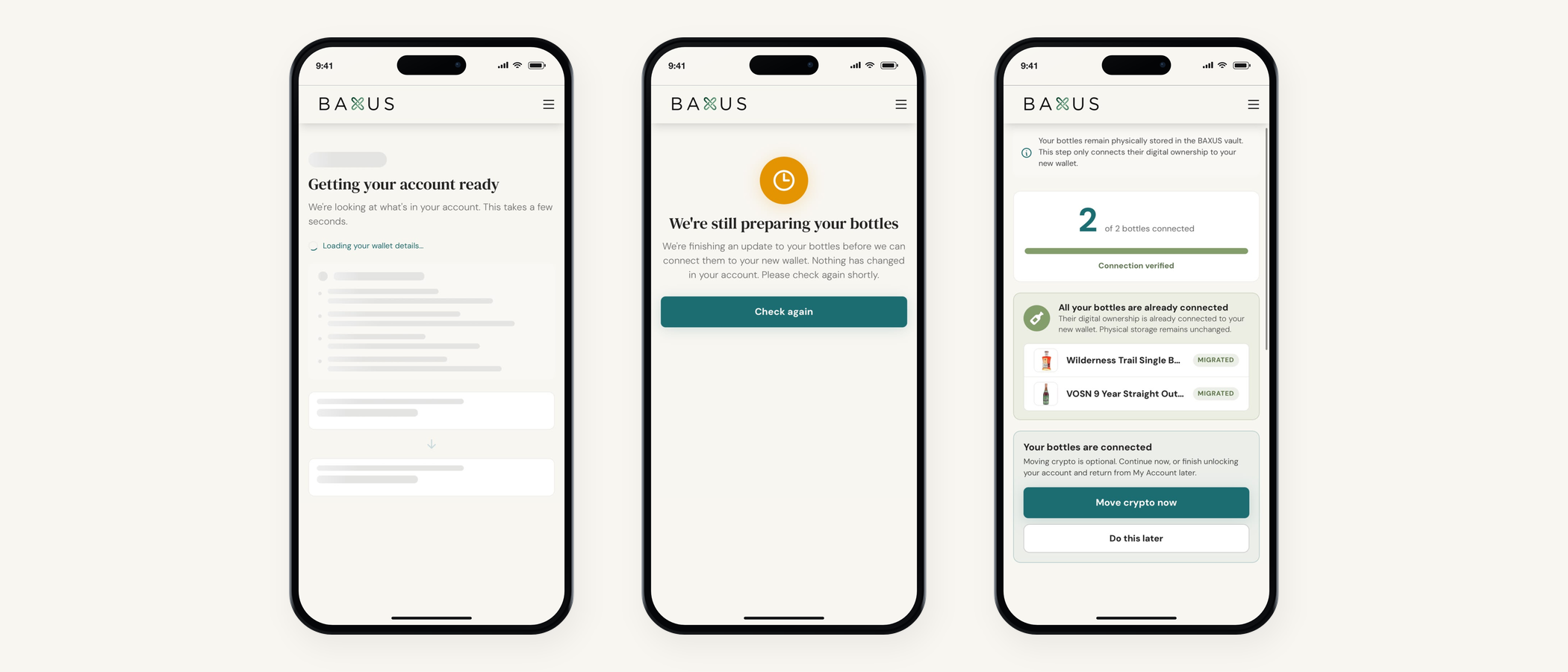
Getting your account ready. A loading state. We're working out what's in your account and what's left to do. Empty spaces here mean the page is still loading.
Step 1 of 2, or Step 1 of 3. The count changes depending on whether you have crypto to move. Read the bottles and balances listed underneath rather than the number itself.
MIGRATED. That bottle has landed in your new wallet. When all of them have, you'll see Connection verified, which is us having checked the work rather than claiming it's finished.
Selection saved, nothing moved yet. Deliberate. Choosing which balances to move doesn't send them, and the sending happens at the approval step after it.
Transfer 1 of 2. A large selection can split across more than one transaction. Let it run. Transfer complete is the one you're waiting for.
If a screen surprises you
Five states, and the fix for each
It asked me to sign in again. The handover from the app to your browser didn't take. Sign in with the same email you always use and carry on. Everything you'd already done is saved.
Wallet setup is open elsewhere. The page is open in another tab or on another device. Close that one and the page in front of you picks up. The short lock keeps two copies from overlapping.
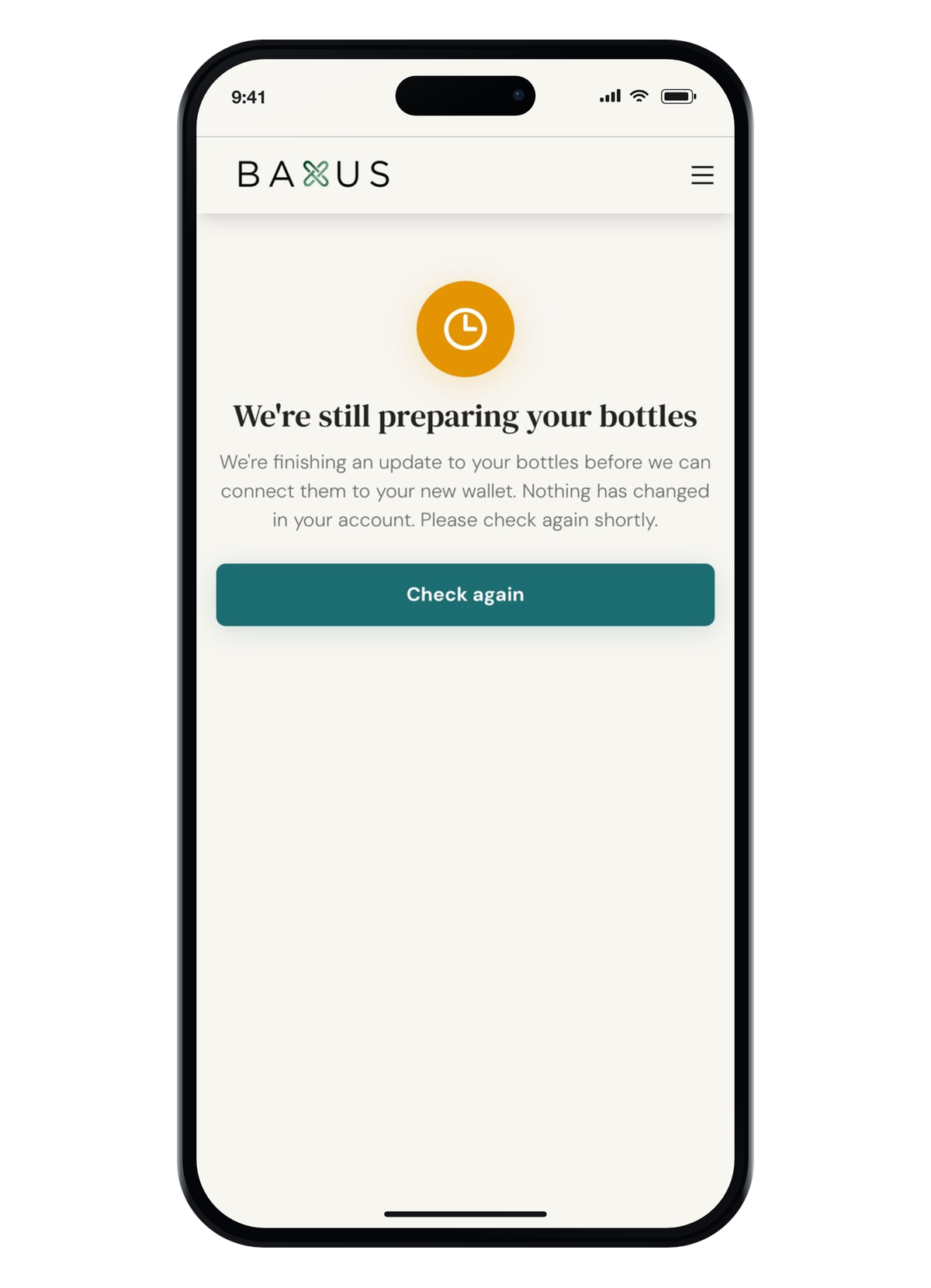
We're still preparing your bottles. Press Check again in a few minutes and it'll clear. If it doesn't, write to us and we'll sort it from our end.
Unable to load wallet setup. Refresh the page. If it comes back a second time, tell us rather than retrying it.
Nothing happened when I pressed the button. Give it a moment before pressing again. The page updates on its own, and refreshing won't restart a connection that's already running.
The crypto part
Moving your USDC
Do I have to move it? No. It's optional and separate from connecting your bottles. Press Do this later and come back whenever suits you.
Why is there an extra approval window? The old wallet is the source of the funds, and the thing that can sign for it is a service called MetaKeep. Pressing Open secure approval hands off to it briefly. It may ask for its own email code, which is expected.
Can I move only some of it? Yes. You choose which balances to include, and anything left unselected stays in the legacy wallet for later.
It said Crypto ready to move and then nothing. You've saved a selection without approving it. Go back in and complete the approval step.
Security, plainly
Nobody from BAXUS will ever ask you for a login code, a private key or a link from your browser. Enter an approval code only in the window that asked for it. If somebody asks you for any of that, it isn't us.
Finishing up
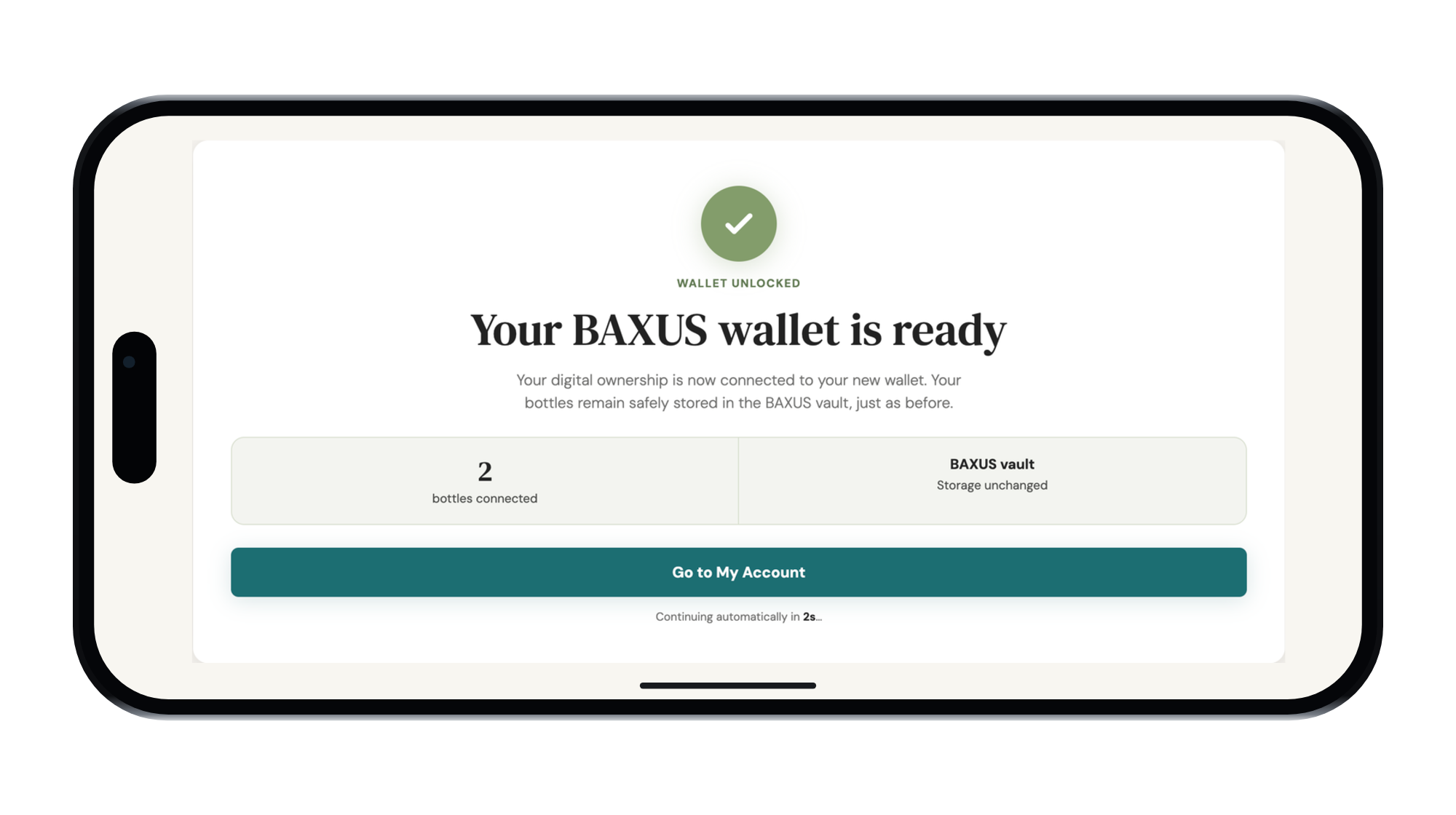
Wallet ready is the end of it. From there, Go to My Account on the web, or Return to BAXUS app if you started on your phone. You won't be asked to do any of this again.
On the other side: Face ID sign-in, one wallet across the marketplace, the app and the Vending Machine, and seven ways to pay at checkout.
If you need a hand
Reply to any email from us, or write to info@baxus.co, and tell us which screen you're on and what it says. That's usually all we need to get you moving again, and we'd rather hear from you early than have you wait.
Pick up where you left off
Or just go to baxus.co and log in
More from the BAXUS Vault
3 stories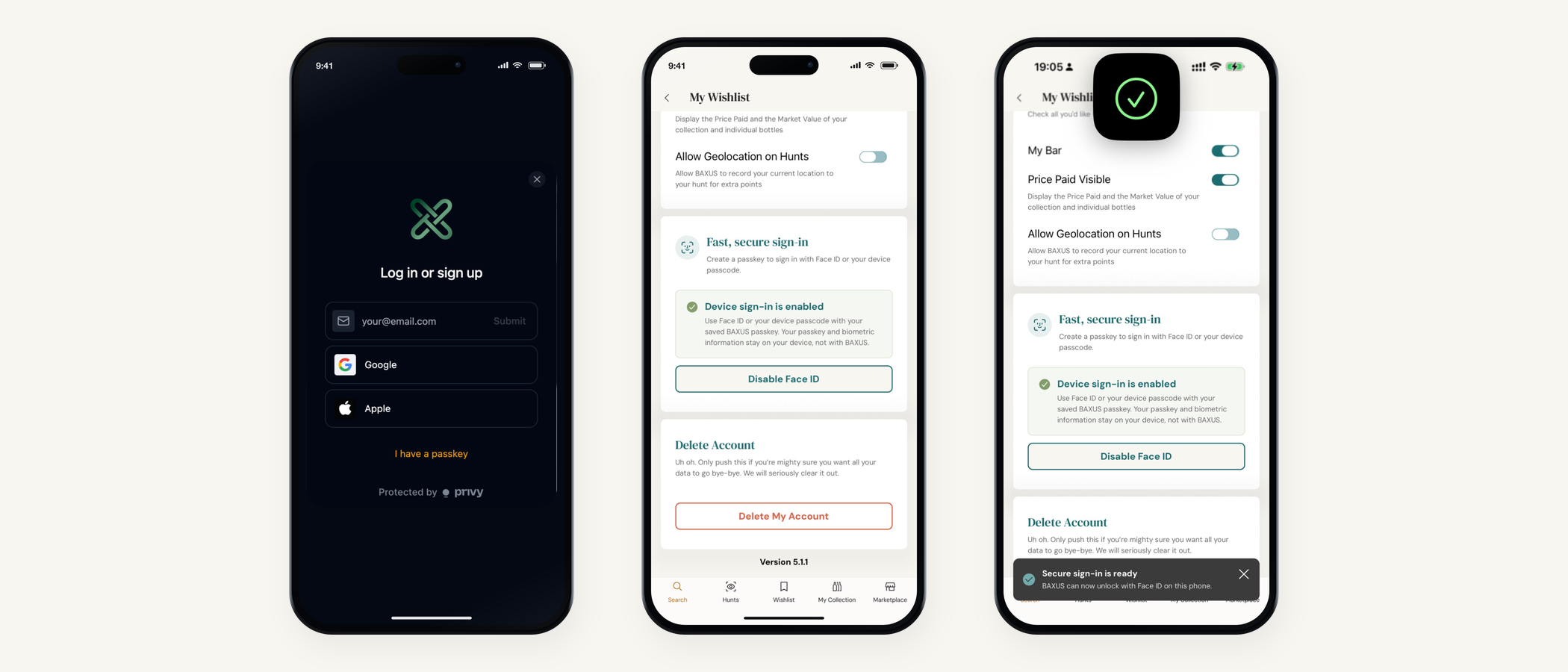
Sign in with your face
Face ID on your phone, Google or Apple on the web, and a passkey that never leaves your device. The most requested thing on our list, now live.
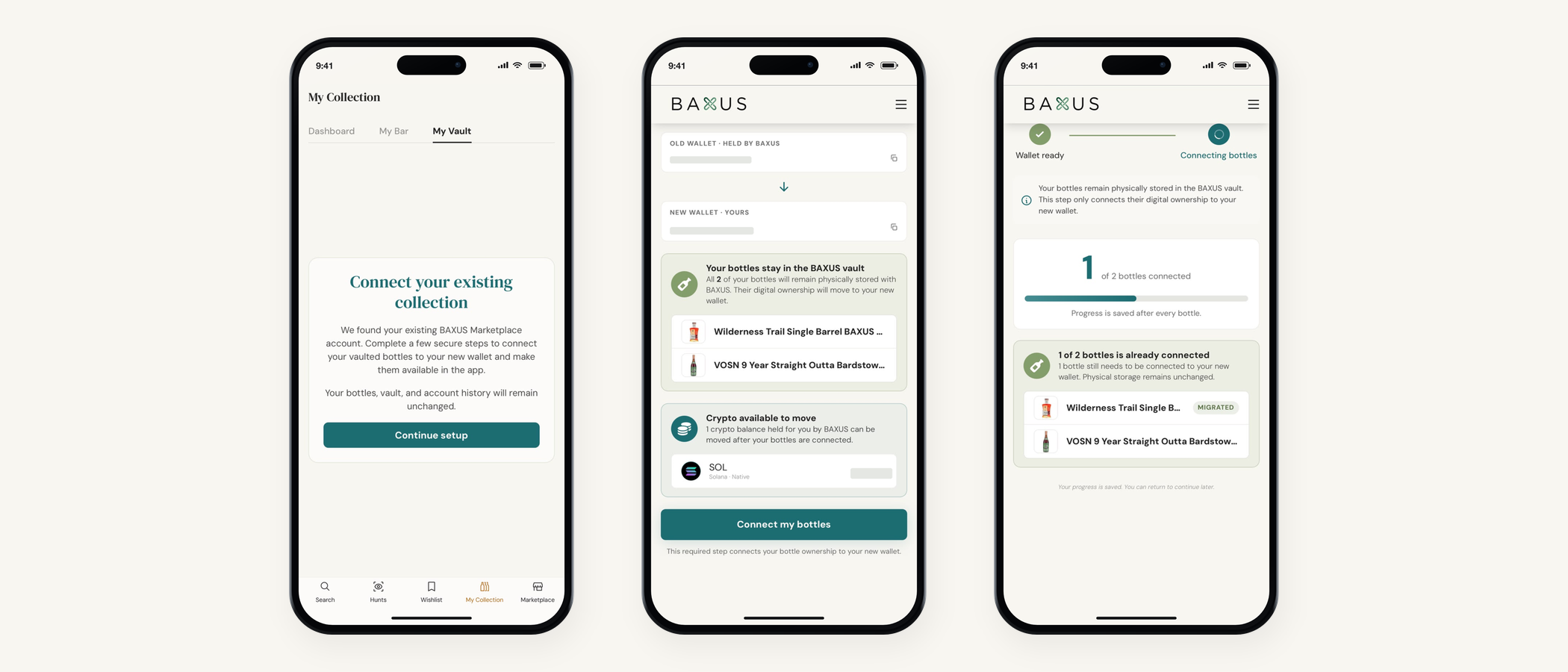
Complete your BAXUS wallet setup, screen by screen
Every screen, on web and in the app, in the order you'll meet them. What each button does, what's optional, and what's waiting on the other side.
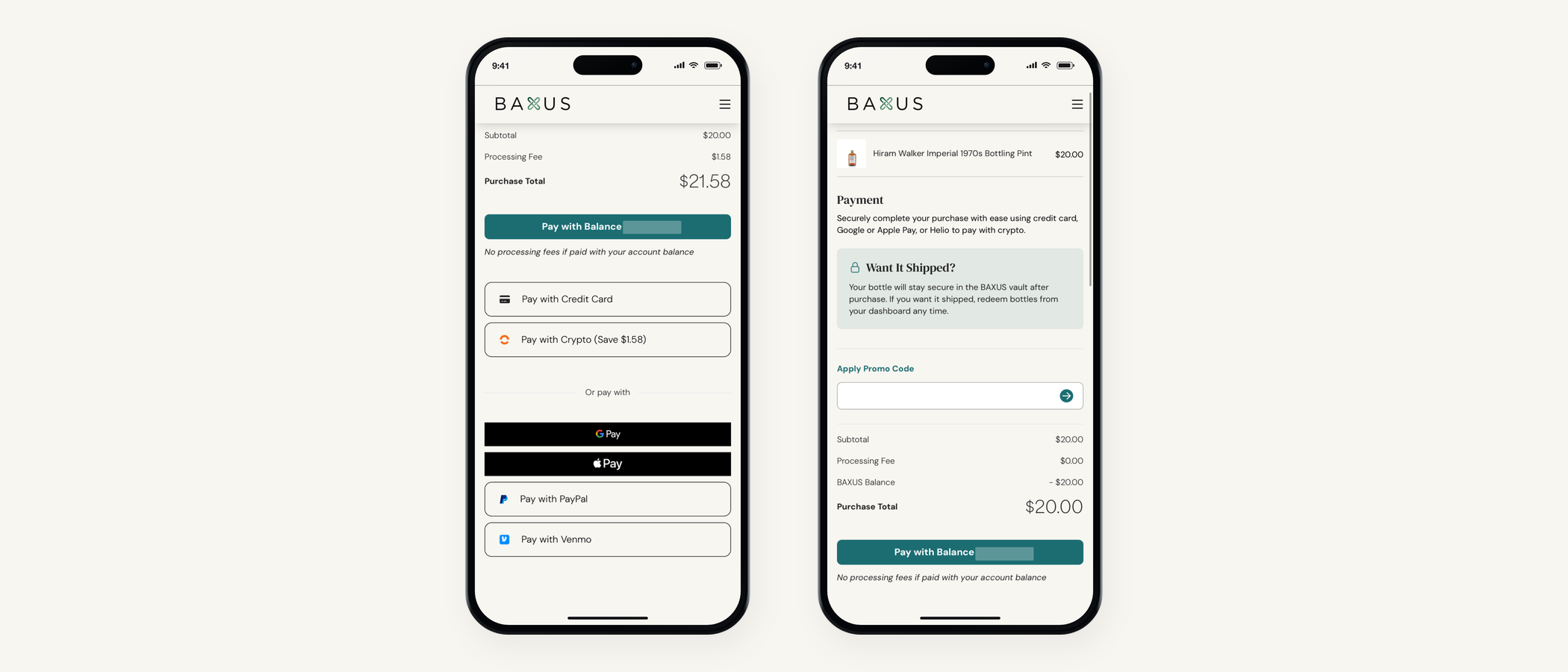
Seven ways to pay on BAXUS
PayPal and Venmo are live at checkout. Here's the full list, which one is cheapest, and how promo codes work alongside them.